Skip to content
WrapYourGit

Every green square has a story. Here's yours, in motion.

Sign in with GitHub and watch your 2026 play back as a short animated story: your contributions, your rhythm, the languages you lived in and the kind of developer you turned out to be.

Cell, the WrapYourGit mascot, waving in front of snapshots of a workshop, fireworks and mountains

Nine chapters, about a minute.

The story moves at the pace of its own soundtrack. You step through it chapter by chapter, and every number on screen comes from your GitHub year with a written definition behind it.

  1. 01Hello
  2. 02Contributions
  3. 03Your rhythm
  4. 04Languages
  5. 05Projects
  6. 06Community
  7. 07Engineering
  8. 08Your archetype
  9. 09Summary

9 chapters, 66 seconds of music, then a letter and your downloads.
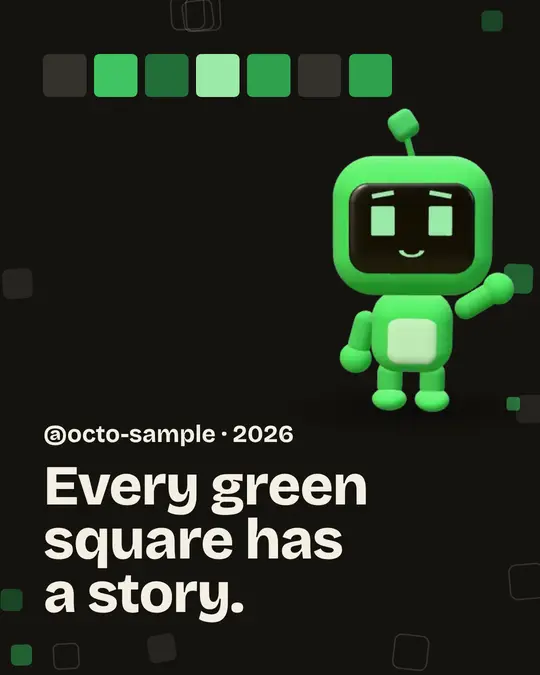
Intro chapter: the first week of cells lights up under the handle
01 Hello
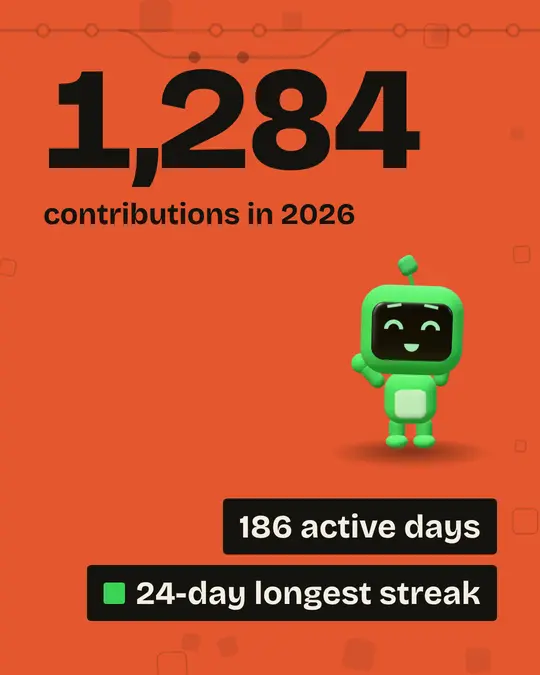
Contributions chapter: a large total with active days and the longest streak
02 Contributions
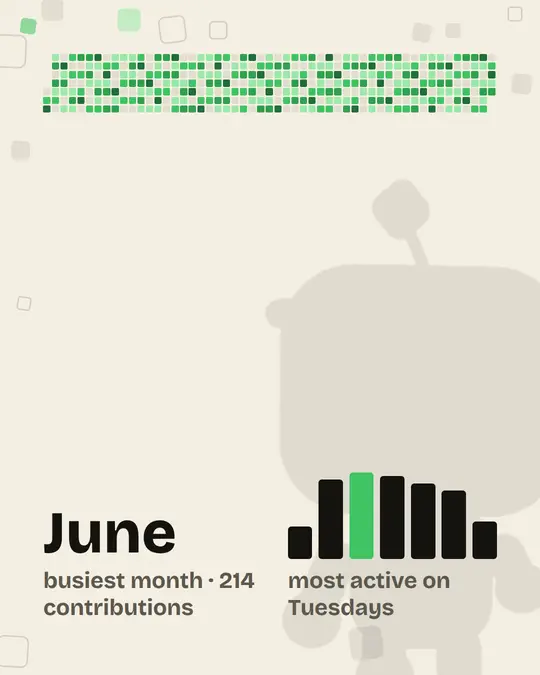
Rhythm chapter: a year of contribution cells, the busiest month and weekday bars
03 Your rhythm
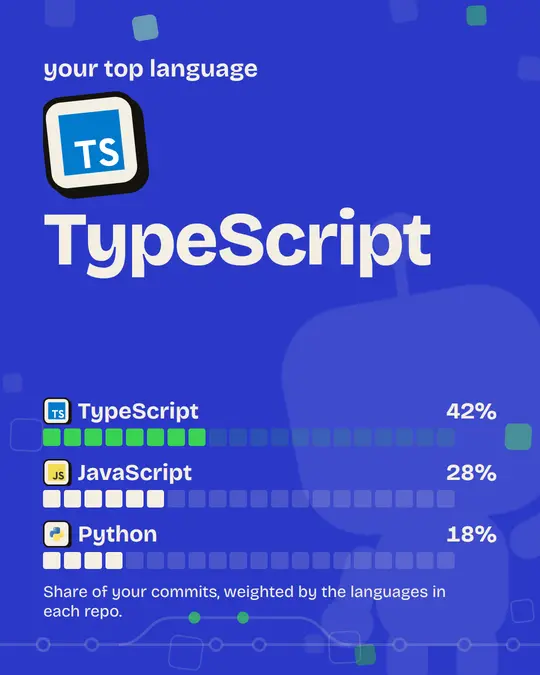
Languages chapter: each language with its logo and share
04 Languages
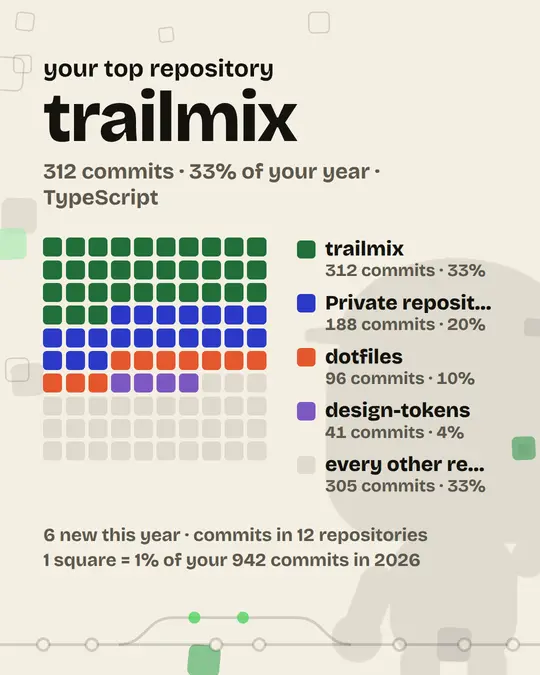
Projects chapter: the top repository and the rest scaled to it
05 Projects
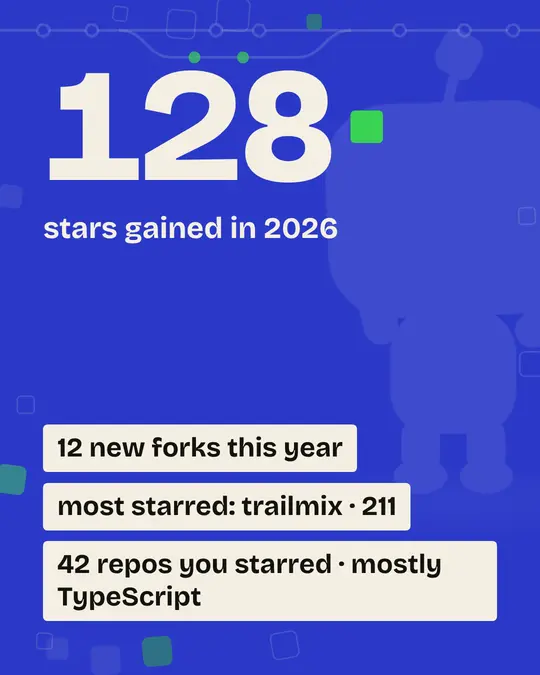
Community chapter: stars, forks and the most starred repository
06 Community
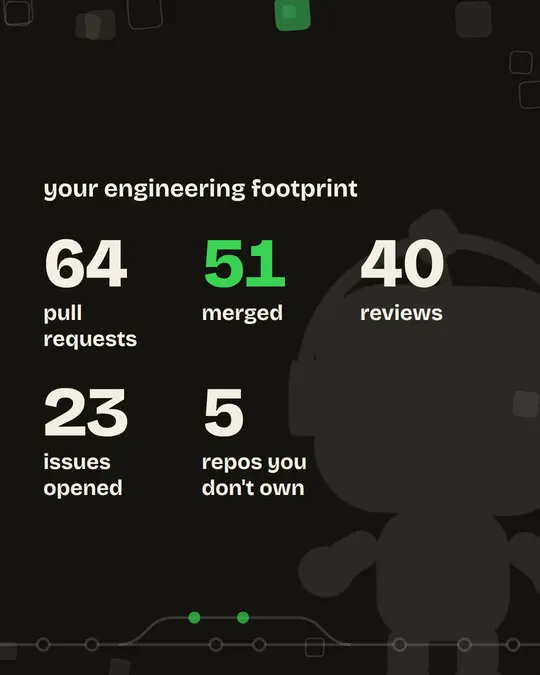
Engineering chapter: pull requests, reviews and issues
07 Engineering
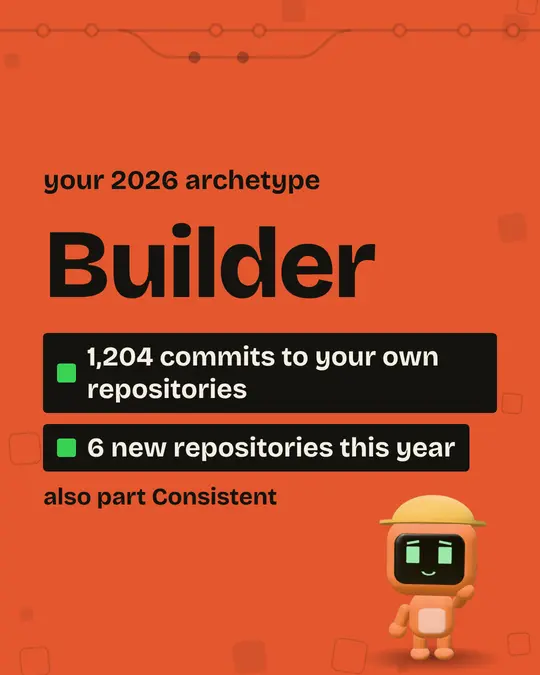
Archetype chapter: Builder, with the facts behind it
08 Your archetype
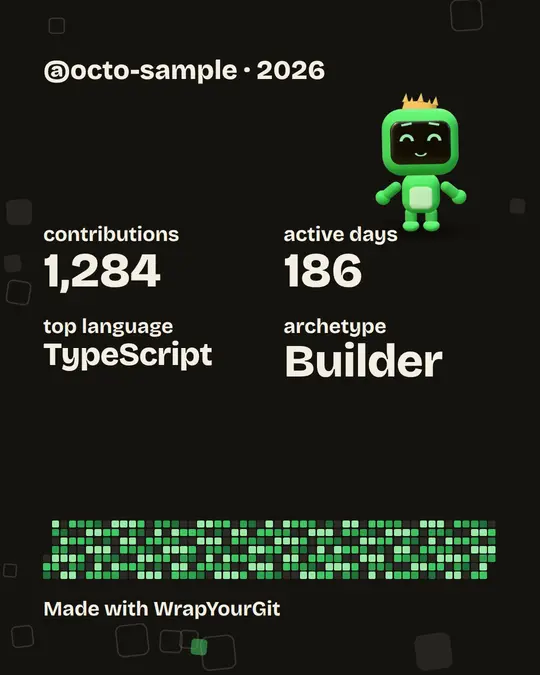
Summary chapter: handle, four headline facts and the year as a small graph
09 Summary

Frames from a recap built on sample data, not a real account.

What kind of developer were you?

The climax of the story names your archetype, with the facts that earned it. Each one comes with its own Cell: its colour, its pose, its place. You get one, plus up to two runner-ups you came close to. If none fits yet, the story says so honestly.

  • Cell as the Builder: orange, in a hard hat, hammering in the workshop

    Builder

    orange, in a hard hat, hammering in the workshop

    You created at least two repositories, or made 50 or more commits to your own.

  • Cell as the Consistent: green, in a sweatband, running laps on the track

    Consistent

    green, in a sweatband, running laps on the track

    You were active on at least 30% of the days so far.

  • Cell as the Explorer: sky blue, cap and backpack, waving from the mountains

    Explorer

    sky blue, cap and backpack, waving from the mountains

    You wrote in four or more languages.

  • Cell as the Collaborator: pink, in a headset, handing work on over a shared map

    Collaborator

    pink, in a headset, handing work on over a shared map

    You left ten or more reviews, or opened ten or more pull requests on other people's repositories.

  • Cell as the Night owl: lavender, owl tufts and glasses, grooving over the city at night

    Night owl

    lavender, owl tufts and glasses, grooving over the city at night

    At least 40% of your sampled commits landed between 22:00 and 04:00. Estimated, and labelled as such.

  • Cell as the Open sourcer: teal, in a scarf, cheering by a community mural

    Open sourcer

    teal, in a scarf, cheering by a community mural

    You contributed to three or more public repositories you don't own.

Then Cell writes you a letter.

After the last chapter comes a letter from Cell, our mascot. It reads your year the way a friend would: fewer numbers, more of what they meant. A quiet year is told it counts. A relentless one is told to rest.

Cell wrote, for a quiet year
Your year had a quieter rhythm. A few sessions here, a few there, and each of them moved something forward. Small steps are still steps.
Cell wrote, for a year that barely stopped
You barely stopped this year. Day after day the squares lit up, and it is hard to look at your graph without feeling the momentum in it.

Take your year with you.

  • The story itself

    Plays in your browser with its own soundtrack, chapter by chapter, at your pace.

  • Ten slides as PNG

    One 1080 × 1350 image per chapter plus the letter, ready for a post. Or all ten in a ZIP.

  • One PDF

    The same ten slides in a single file, for keeping or printing.

  • A public page

    Off until you publish it. Then your 2026 lives at /u/your-login, with private repository names removed.

  • An MP4 videoComing soon

    In four shapes for every feed. We are still setting up rendering.

Read-only, and yours to delete.

What it reads
Counts GitHub already keeps about your year: contributions, languages, repositories you committed to, stars and pull requests.
What it never touches
Your code. Signing in asks GitHub for no repository permissions at all.
Where your token lives
On our server only, encrypted at rest. It is never sent to your browser.
What goes public
Nothing, until you publish. A published recap drops private repository names, your timezone and the hours you commit.
How to leave
Delete my data in Settings removes everything and revokes our access to GitHub.
Read the full privacy policy
Cell asleep: nothing is shared until you say so

Questions people ask.

Does WrapYourGit read my code?

No. Signing in asks GitHub for no repository permissions, and it only reads the counts GitHub keeps about your activity.

Why is my active-days number slightly different from my GitHub profile?

Your yearly total matches the profile. On a few days GitHub's public graph files one contribution on the neighbouring day, so active days can differ by one or two.

Are private repositories included?

Your contributions to private repositories, your own and your organisations', count toward your total. Their names never appear in anything you can share.

2026 isn't over yet. Is my recap final?

Not until the year ends. Until then the story says "so far", and you can sync again from your dashboard to bring it up to date.

Does it compare with last year?

Yes. Your dashboard and the story put this year next to the same stretch of last year, so the comparison is fair while the year is still running.

Can I download the video?

Not yet. MP4 export is still being set up. Today you can download every slide as a PNG, all of them as a ZIP, or one PDF.

How do I delete my data?

Sign in, open Settings and choose Delete my data. It removes your recap and account and revokes WrapYourGit's access to GitHub.

Your 2026, told back to you.

One sign-in, a short wait while we read your year, and the story is ready.